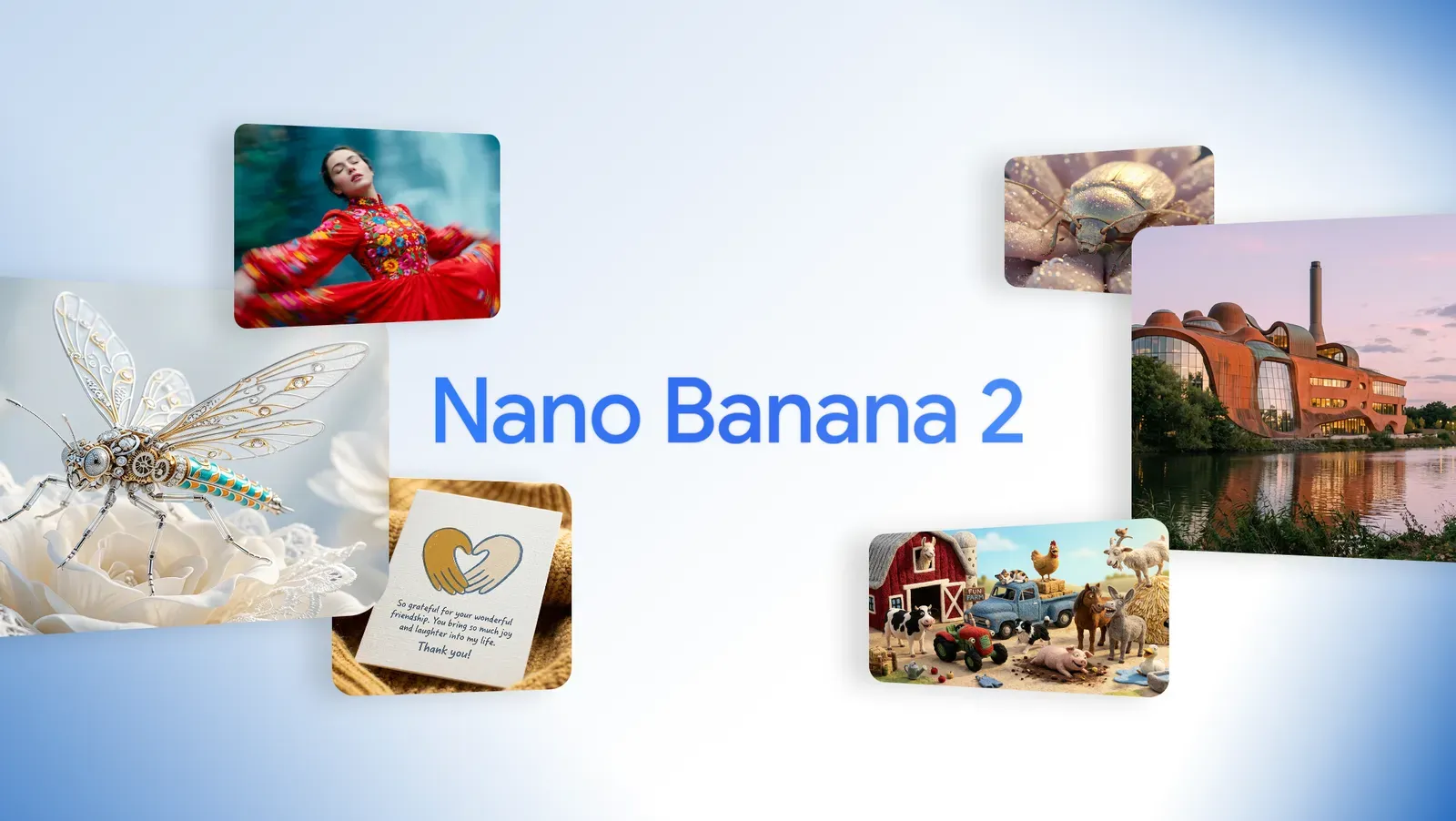
Create, edit, and iterate faster with Nano Banana 2—built for consistent characters, clean text, and on-brief results
Nano Banana 2 is an AI image generator and editor designed for rapid iteration without sacrificing visual quality. Keep identities stable across scenes and get more reliable text-in-image outputs—so you spend less time fixing and more time shipping.
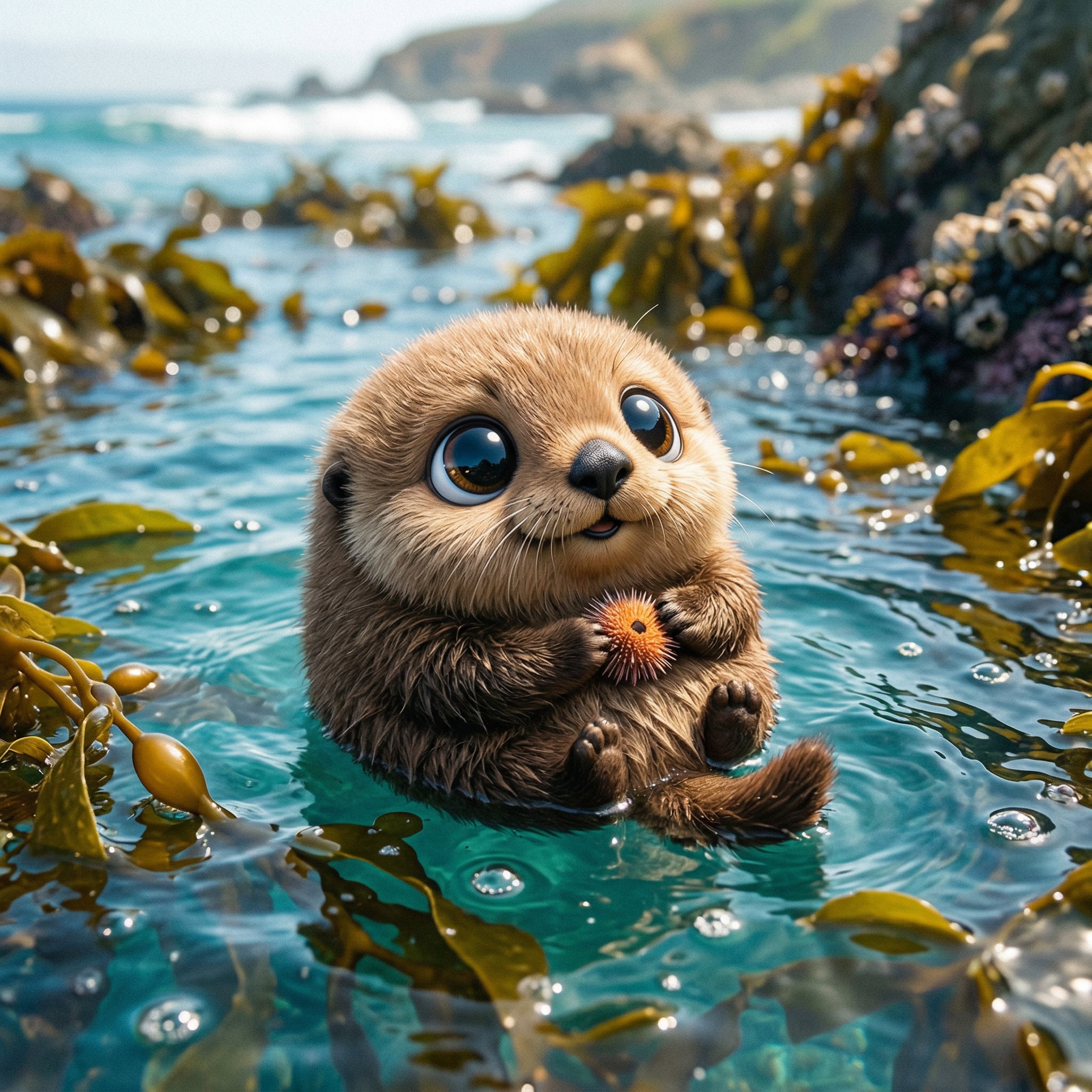
Sample Images
More AI Image Generators
Explore more specialized generators for different styles and creative needs.
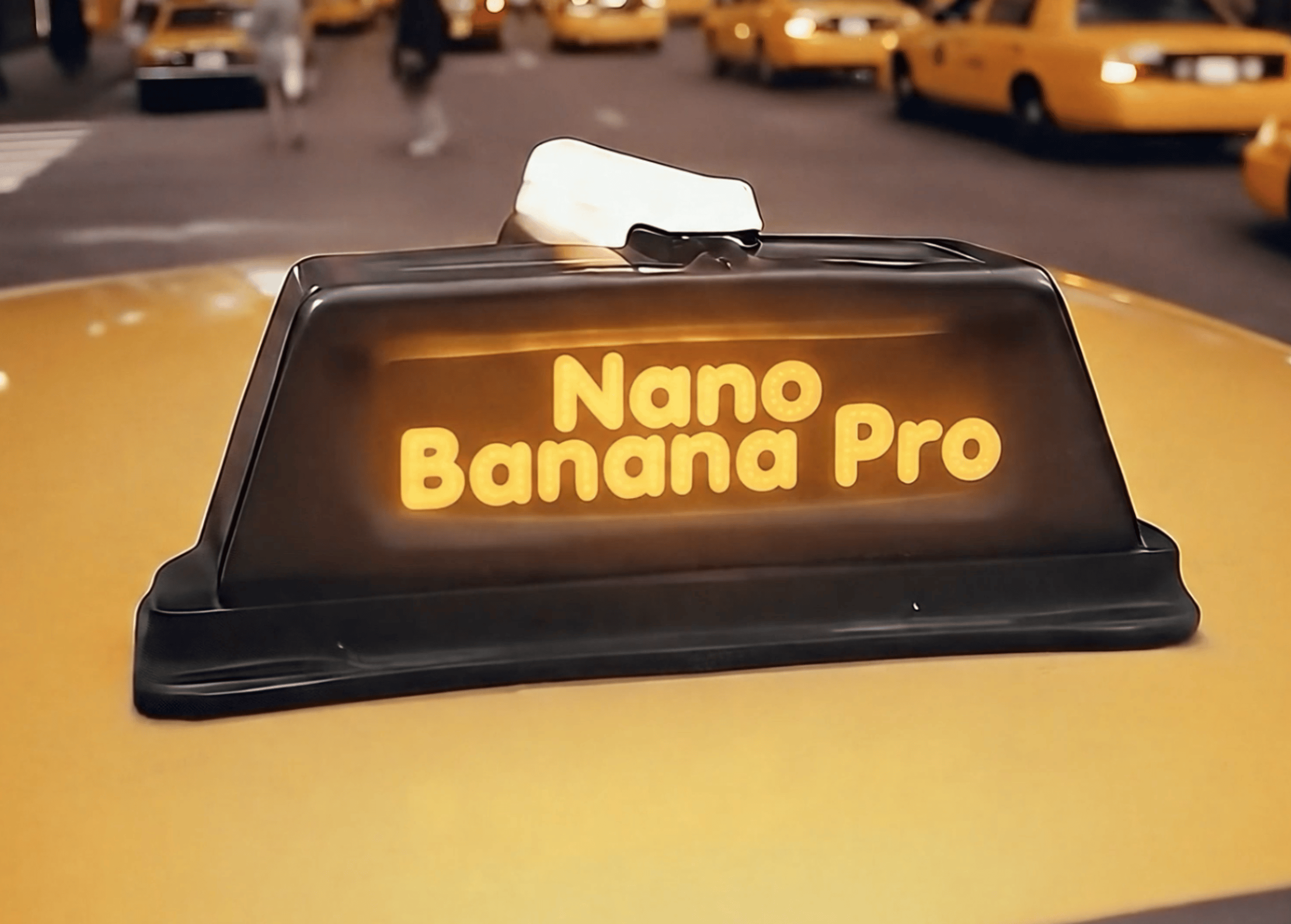
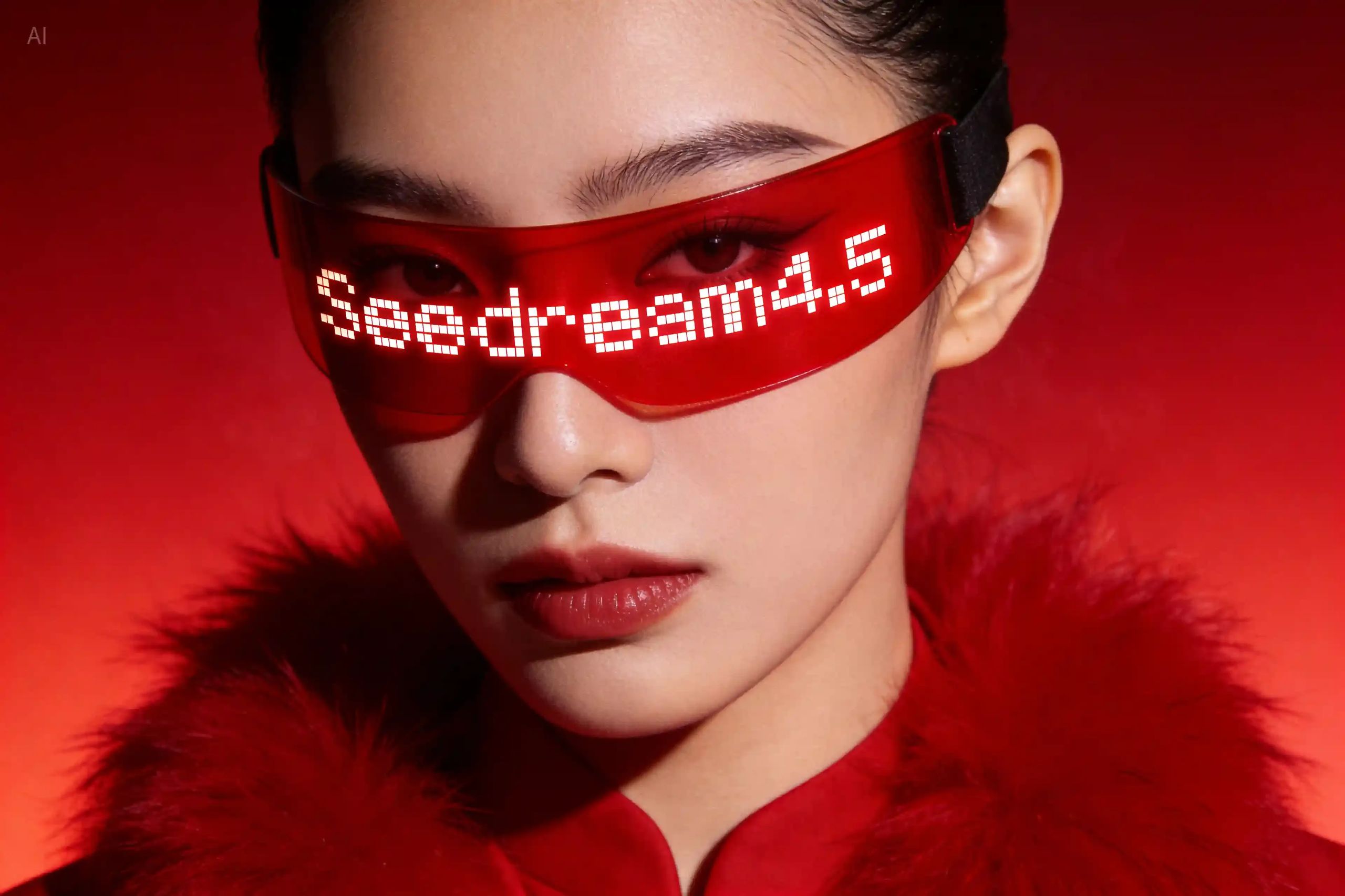

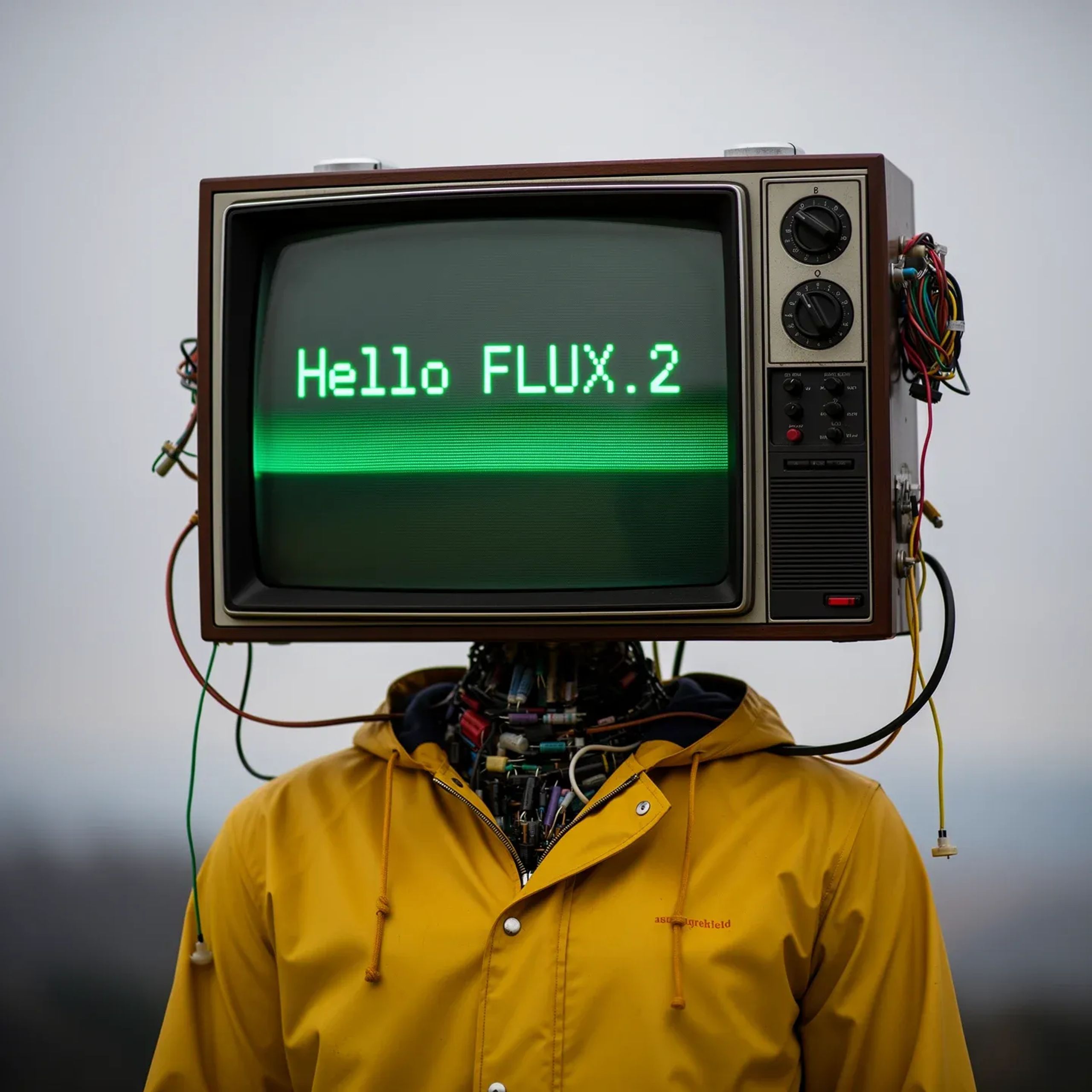
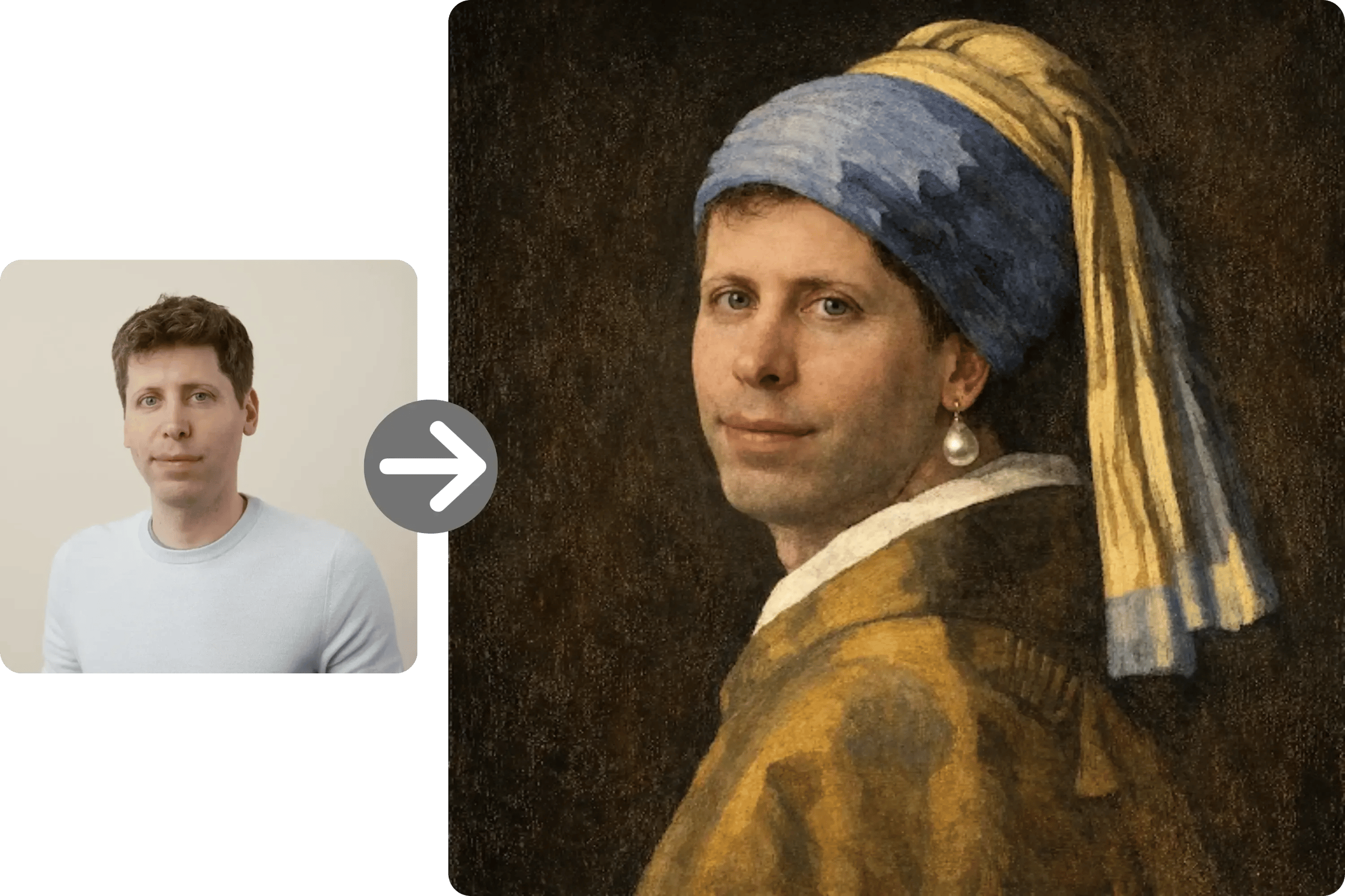
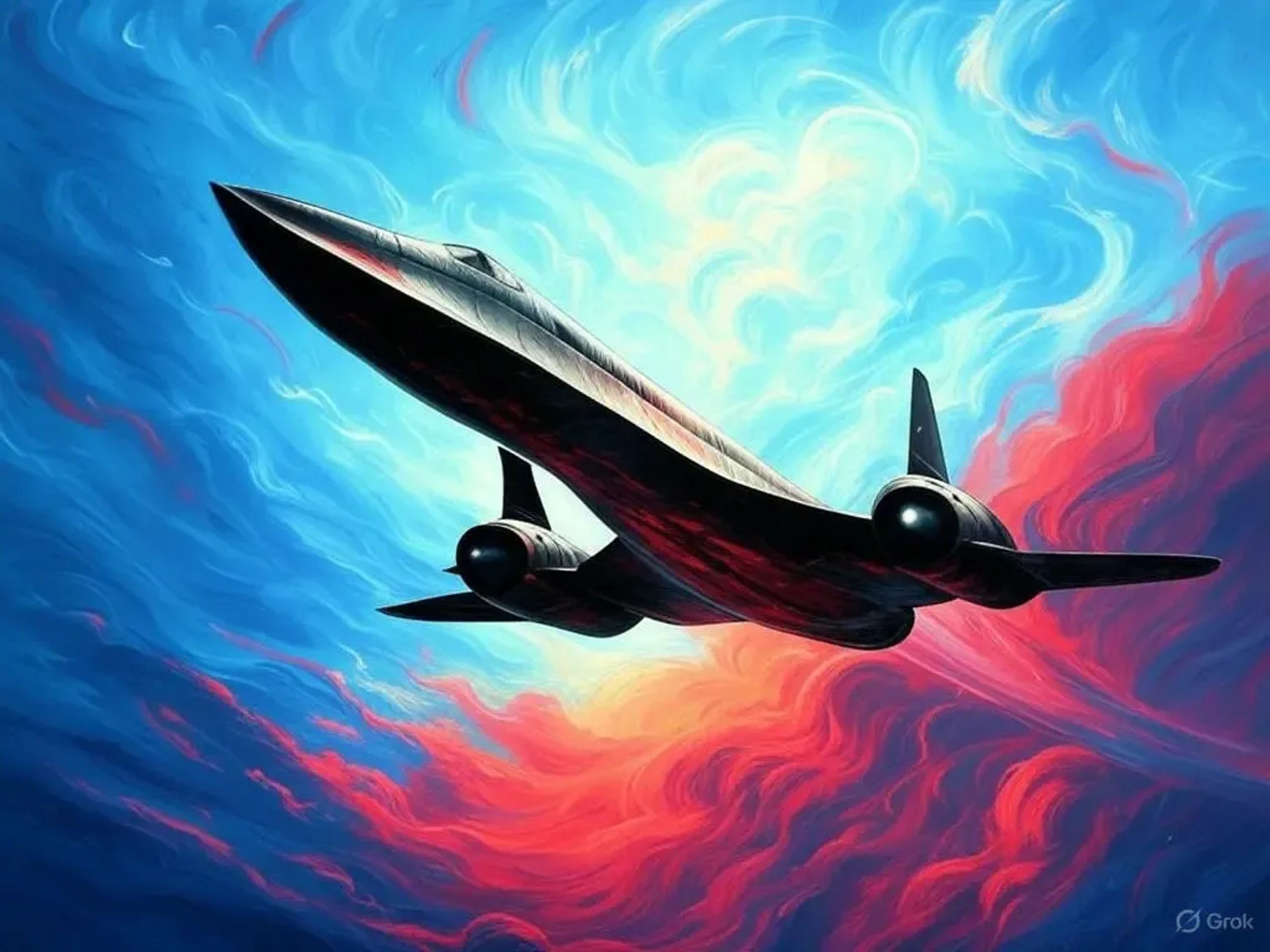
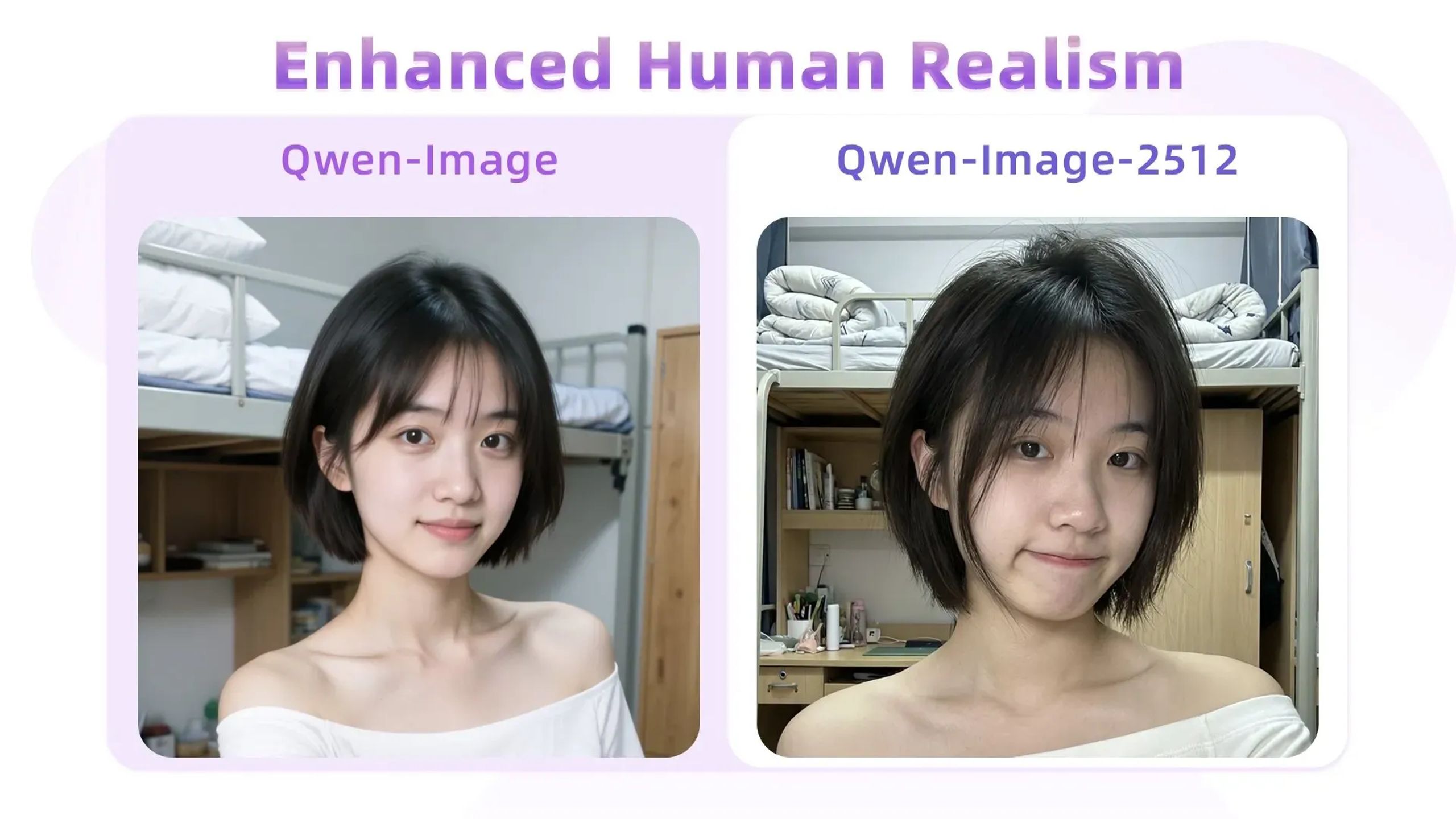
What Nano Banana 2 is built to do
Nano Banana 2 is Google’s latest image generation and editing model, also referred to as Gemini 3.1 Flash Image. Google introduced it in late February 2026 as a faster model that brings “Pro” capabilities to Flash-speed workflows. Compared with the original Nano Banana (launched in August 2025) and Nano Banana Pro (released in November 2025), Nano Banana 2 focuses on faster iteration plus stronger instruction following, text rendering/localization, and multi-subject consistency (up to 5 characters and 14 objects). It’s a fit for creators, marketers, and product teams who need consistent visuals, editable assets, and clear text directly in images—without extra training steps.
Standout capabilities you can actually use
These are the official strengths Nano Banana 2 is positioned around—turned into practical workflows for everyday creators.
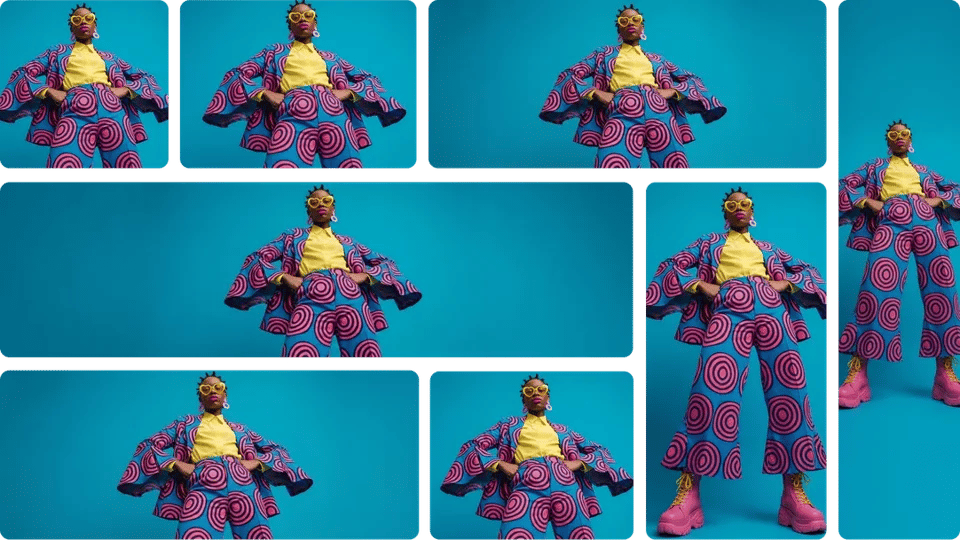
Multi-subject consistency for story workflows
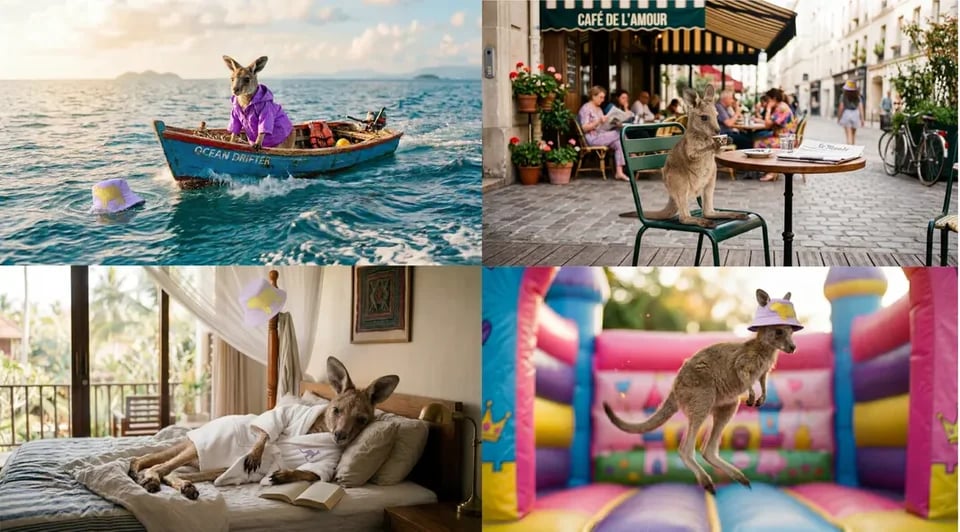
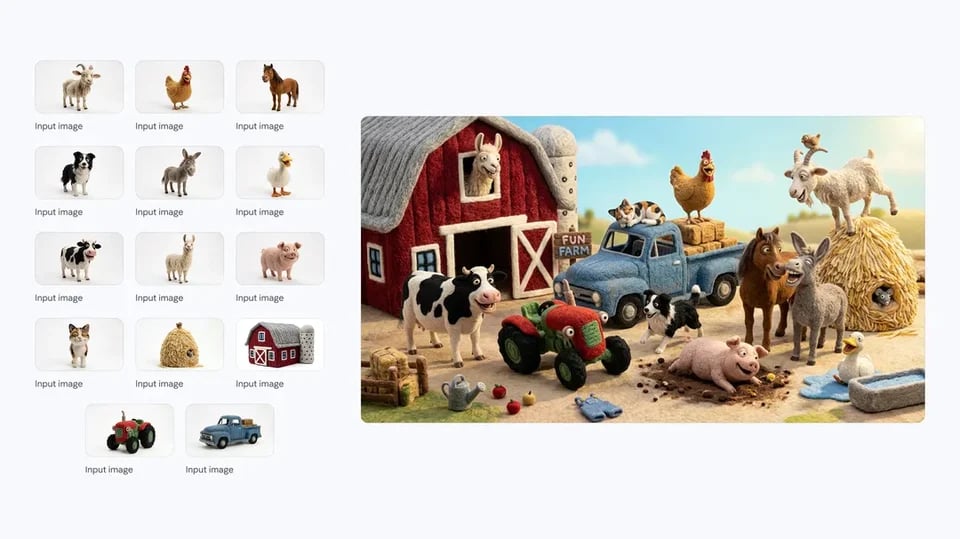
Maintain character resemblance for up to five characters and keep fidelity for up to 14 objects within a single workflow. This helps when you’re building storyboards, scene variations, or a consistent brand cast without retraining or building a custom model.
Cleaner text inside images (plus translation)
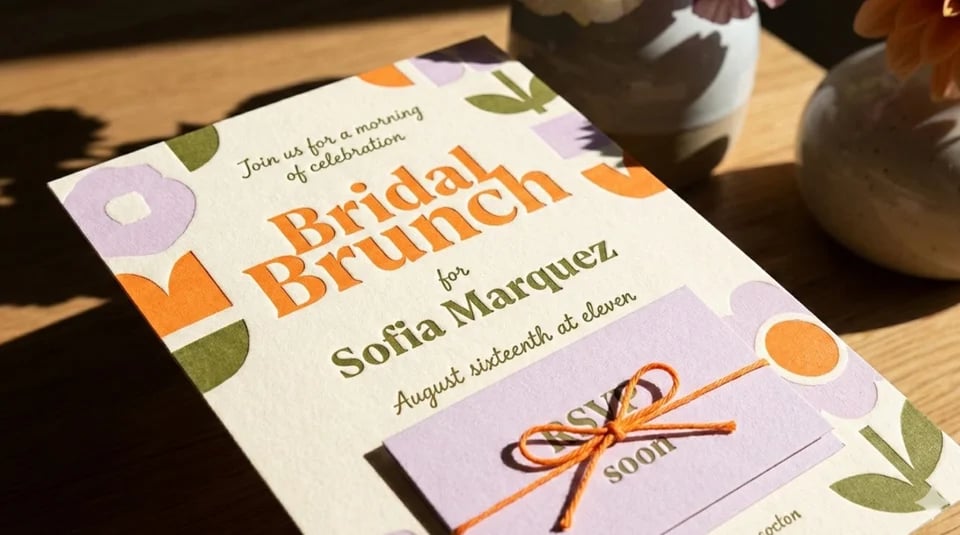
Nano Banana 2 is designed to render accurate, legible text for things like marketing mockups, cards, and ad concepts. It also supports translating and localizing text directly within the image—useful when you need quick multi-language creative variants.
Web-search grounding for more specific subjects
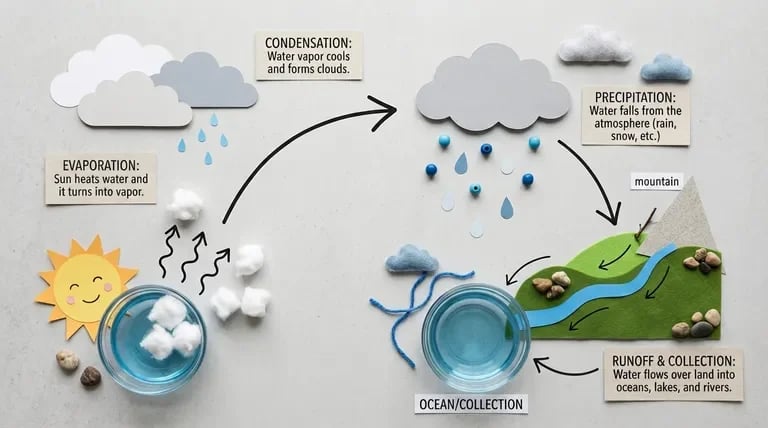
Google describes Nano Banana 2 as being powered by real-time information and images from web search to render specific subjects more accurately. In practice, that’s helpful for visuals like infographics, diagrams from notes, and concept images tied to real-world entities.
Stronger instruction following for fewer rerolls
Nano Banana 2 is positioned to adhere more strictly to complex requests, capturing nuances so the output matches what you asked for. This is especially useful for product photography-style prompts, layout constraints, and “keep everything the same except X” iterations.
More creative controls (developer-grade options)
Google notes native support for additional aspect ratios such as 4:1, 1:4, 8:1, and 1:8, enabling better fit for different placements. It also offers configurable thinking levels (Minimal vs High/Dynamic) to trade off speed vs deeper reasoning on complex prompts.
Provenance and verification signals
Google highlights provenance work that pairs SynthID with C2PA Content Credentials to improve marking and verification of generated media. This matters for teams that want clearer AI-origin signaling in review and publishing workflows.
Why creators choose it day-to-day
Nano Banana 2’s feature set maps well to real production needs: consistency, clarity, and speed of iteration.
Keep a character recognizable across variations
When you’re iterating scenes, outfits, or poses, consistency is often the biggest time sink. Nano Banana 2’s official multi-character consistency target (up to five characters) helps you maintain a stable “cast” across a workflow.
Ship layouts with readable text
Text-in-image failures can ruin an otherwise usable draft for ads, posters, or packaging comps. Nano Banana 2 is explicitly positioned for more precise text rendering and in-image localization.
Spend less time fighting the prompt
Better instruction following means fewer cycles of “almost, but not quite.” That’s valuable for product shots, controlled edits, and brand-sensitive visuals where small details matter.
Turn rough ideas into structured visuals
Google calls out workflows like creating infographics, turning notes into diagrams, and generating data visualizations. That gives non-designers a faster path from outline to shareable visual draft.
Scale multi-language creative faster
If you market globally, localization bottlenecks add up quickly. In-image translation and localization can speed up early concepting before final brand QA.
Where Nano Banana 2 fits best
Use it when you need fast iteration with control—especially for consistency, text, and structured visuals.
Consistent character storyboards
For writers, animatics teams, and storyboard artists, consistency is the difference between a story and a collage. Nano Banana 2’s up-to-five-character consistency target helps keep the same cast recognizable across scenes.
Marketing mockups with real, readable copy
For growth teams and designers, mockups often fail when the model can’t render usable text. Nano Banana 2 is positioned for precise text rendering and in-image translation/localization for variant concepts.
Product-photography style concept images
For e-commerce sellers and brand teams, you often need controlled iterations (background swaps, prop changes, layout constraints). Improved instruction following helps you preserve intent while iterating quickly.
Infographics, diagrams, and data visuals
For educators and internal teams, turning notes into a diagram is a recurring pain point. Google explicitly calls out infographics, diagrams-from-notes, and data visualization creation as supported workflows.
Global ad localization drafts
For agencies and international brands, you need fast drafts across languages and markets. Google showcases in-image localization use cases like translating ads while also localizing the visuals.
Questions people ask before trying it
Clear answers based on what Google has publicly stated, plus how you can use it on our web platform.
Try Nano Banana 2 online—no setup required
Use Nano Banana 2 in your browser for fast iterations, consistent characters, and cleaner text-in-image drafts. Start with free credits and scale up when you’re ready—no deployment, no environment headaches.