
Pixel Art Generator – Retro 8-Bit Art from Any Photo
Transform any photo into authentic retro pixel art with our Pixel Art Generator. Upload a portrait, pet photo, or landscape and watch it reconstruct as chunky square pixels, bold outlines, and a limited color palette — the look of classic 8-bit and 16-bit game art, delivered in seconds.

Sample Images

More Effects
Explore other AI image effects and transform your photos with just one click.

What is Pixel Art Generator?
Pixel Art Generator is an AI-powered tool that converts any photo into retro-style pixel art. It analyzes your image and reconstructs it using chunky square pixels, a limited color palette, and authentic dithering — producing genuine pixelated artwork that reads as hand-crafted game art rather than a blurred filter. Unlike standard pixelation tools that simply enlarge existing pixels, Pixel Art Generator rebuilds the image from scratch within the visual conventions of 8-bit and 16-bit game art — making it the best choice for retro gaming avatars, sprite references, and nostalgia-themed merchandise where authentic pixel aesthetics actually matter. Whether you want a pixelated portrait, a pet sprite, or stylized pixel art for a creative project, the entire conversion happens automatically with no drawing skills required.
How to Use Pixel Art Generator
Transform your photos into pixel art in three simple steps.
Upload Your Photo
Start by uploading any photo to begin the pixel art conversion. Clear portraits, pet photos, and images with a well-defined subject against a simple background tend to produce the sharpest pixelated results. A well-lit image with good contrast gives the AI more visual detail to work with when reconstructing your photo in retro pixel style.
Let the AI Transform It
Once your photo is uploaded, Nano Banana 2 automatically converts it into pixel art. The model reduces the image into a grid of chunky square pixels, applies a limited color palette, and adds authentic dithering and bold outlines that capture the structured quality of retro game sprites — all without any manual configuration or artistic input from you.
Download and Share Your Pixel Art
When Pixel Art Generator finishes, download your converted image and use it however you like. The pixelated output is ready for social media profiles, game asset mockups, sticker designs, or printed merchandise. If you want a different variation, simply generate again to explore a fresh pixel art interpretation.
Key Features of Pixel Art Generator
Discover what makes our Pixel Art Generator produce such authentic and detailed retro results.
Authentic Retro Pixel Style
The Pixel Art Generator applies chunky square pixels, bold black outlines, and limited color palettes that faithfully recreate the look of classic 8-bit and 16-bit game art. Each pixelated result feels genuinely hand-crafted rather than simply blurred or posterized, with the visual character of real arcade and console sprites — not a flat filter overlay.

Clean Dithering and Shading
Rather than producing a flat, over-simplified result, the pixel art conversion uses proper dithering techniques to simulate gradients and shading within the constrained pixel grid. This adds depth and dimension to the output, giving each pixelated image the polished appearance seen in high-quality retro game artwork — depth that a simple pixelation filter cannot replicate.

Versatile Subject Handling
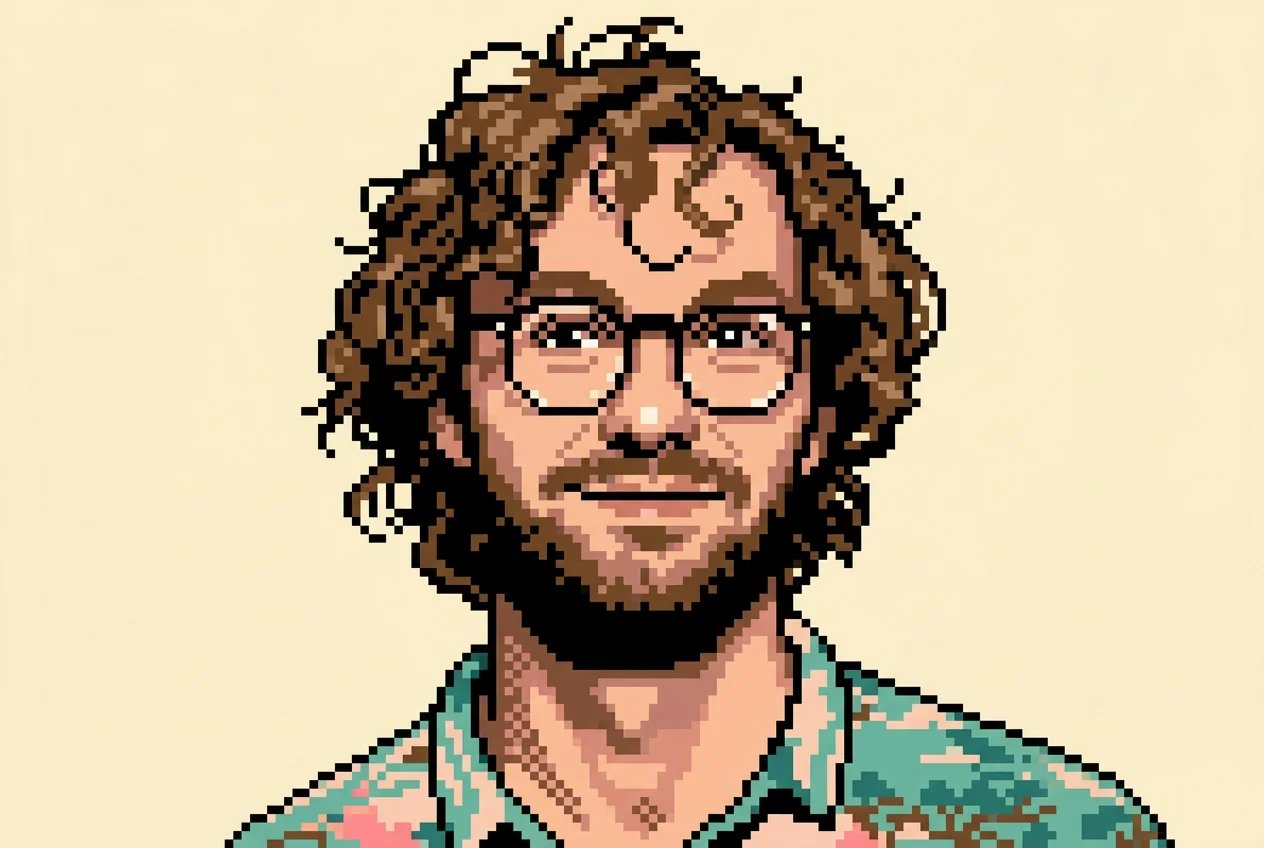
Pixel Art Generator works across a wide range of photo types — portraits, pet photos, landscapes, and objects. The AI identifies the main subject and reconstructs it as a recognizable pixel sprite, preserving key visual details while adapting the image to the retro pixel art aesthetic. Portraits and simple compositions tend to yield the most expressive pixelated results.

High-Quality Output Ready to Use
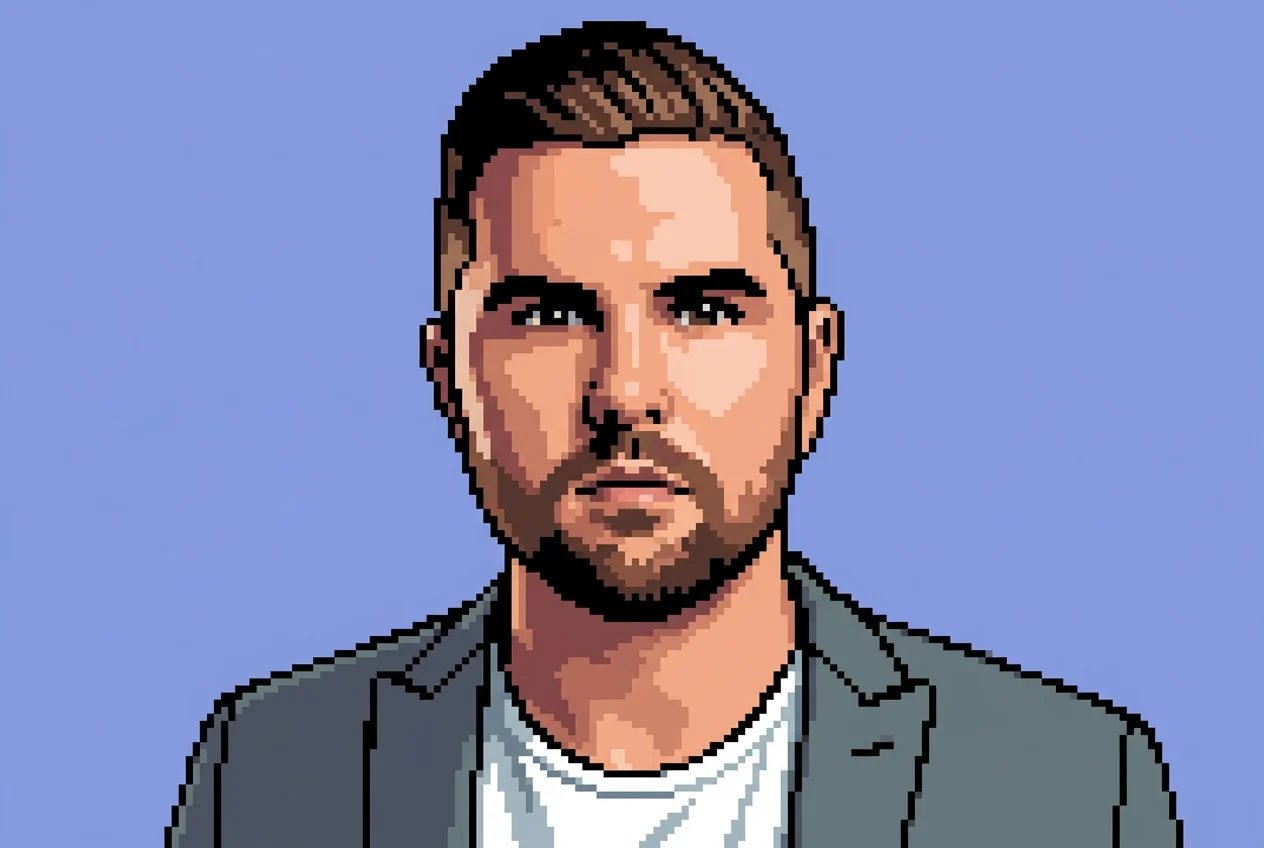
Every pixel art conversion produces clean, well-defined output at 1K resolution suitable for digital use, social media profiles, game mockups, and printable designs. The consistent pixel grid and sharp edges ensure the retro pixel style scales well across different formats — from small avatar thumbnails to larger printed stickers and posters.


Why Choose Pixel Art Generator
No Art Skills Required
Creating pixel art by hand is a time-consuming craft that requires learning grid-based drawing and color theory. Pixel Art Generator removes all of that complexity. Upload a photo and the AI handles every aspect of the pixel art conversion automatically — pixel placement, palette selection, dithering — producing a polished retro result without you touching a single pixel. Ideal for anyone who wants authentic pixelated artwork without months of practice.
Instantly Shareable Retro Art
The pixelated output is ready to share the moment generation completes. Unlike a generic blurring filter, pixel art has a strong, distinctive visual identity that performs well on gaming communities, nostalgia-themed social accounts, and creative platforms. The result looks intentional and stylistically coherent — the kind of image that invites engagement rather than scrolling past. Best for gaming communities and nostalgia-themed creators who need content that genuinely stands out.
Perfect for Gaming and Retro Fans
Retro gaming fans and indie enthusiasts can use pixel art conversion to place themselves or their favorite subjects in the visual world of classic games. Transform a selfie into a player sprite, turn a pet photo into a companion character, or convert a landscape into a game environment mockup. Best for anyone who wants to engage authentically with 8-bit and 16-bit game aesthetics rather than applying a surface-level retro filter.
Unique Pixel Art Gifts
A personalized pixel portrait makes a memorable and unexpected gift for gamers, retro enthusiasts, and creative friends. Upload a photo of someone special, convert it into pixel art, and deliver it as a digital print, profile picture, or sticker. The retro pixel style feels genuinely crafted and personal — even though the entire conversion takes only seconds. Best for surprising streamers, gaming fans, and retro enthusiasts with something that feels handmade.
Seconds Instead of Hours
Hand-drawing pixel art from a photo is a slow, detail-intensive process. Pixel Art Generator compresses that entire workflow into a matter of seconds. Upload, generate, and download without learning specialized pixel art software, managing complex layer structures, or spending hours placing individual pixels — the pixelated result is ready almost immediately. Ideal for creators who need retro-styled assets on a tight content schedule.
Works on Any Photo Type
Portraits, pet photos, landscapes, objects, group shots — pixel art conversion adapts the pixelation treatment to the content and composition of your image. Whether you are converting a selfie into a retro avatar or turning a nature photograph into a game-style scene, the output maintains a coherent retro pixel style across a wide variety of input types. Ideal for creators who work across multiple content formats and subject categories.
What Can You Create with Pixel Art Generator
From personal retro avatars to game assets and creative gifts, pixel art conversion opens up a range of pixelated creative possibilities.
Retro Gaming Profile Pictures
Use Pixel Art Generator to transform a selfie or portrait into a retro sprite-style avatar. The pixelated result makes a distinctive profile picture for gaming platforms, Discord servers, Twitch streams, and social media accounts where a pixel art identity helps you stand out. Best for Twitch streamers and Discord communities building a cohesive retro brand identity — the chunky pixel aesthetic signals authenticity rather than a stock filter.
Game Sprite Mockups and References
Indie game developers and pixel art enthusiasts can convert reference photos into pixel sprite mockups in seconds. Transform a character photo into a sprite reference, turn an environment shot into tileset inspiration, or generate quick concept visuals that capture the retro pixel style you are aiming for. Ideal for indie developers who need a visual starting point without building character designs from a blank canvas.
Stickers, Prints, and Merchandise
Pixel art translates exceptionally well to physical merchandise. The clean, bold visual style works on stickers, T-shirts, phone cases, and posters without losing definition. Convert a photo of yourself, a pet, or a favorite scene into pixel art, then use the result as the basis for personalized merchandise or fan-made products. Best for creators and fans producing retro-themed physical products from personal photos.
Retro-Themed Social Media Content
Pixelated images have a strong visual identity that performs well on nostalgia-themed social accounts, gaming communities, and creative platforms. Create themed posts, profile headers, or shareable artwork with a distinctive 8-bit character that stands apart from standard photography. Ideal for content creators who want a cohesive retro aesthetic across their feed without hiring a dedicated pixel artist or learning grid-based illustration.
Frequently Asked Questions About Pixel Art Generator
Transform Your Photos into Retro Pixel Art Today
Upload any photo and let Pixel Art Generator convert it into authentic 8-bit pixel art in seconds. No drawing skills or design experience needed — Nano Banana 2 handles the entire pixel art conversion automatically.